Sharing – Autodesk Pixlr

IMG_4011

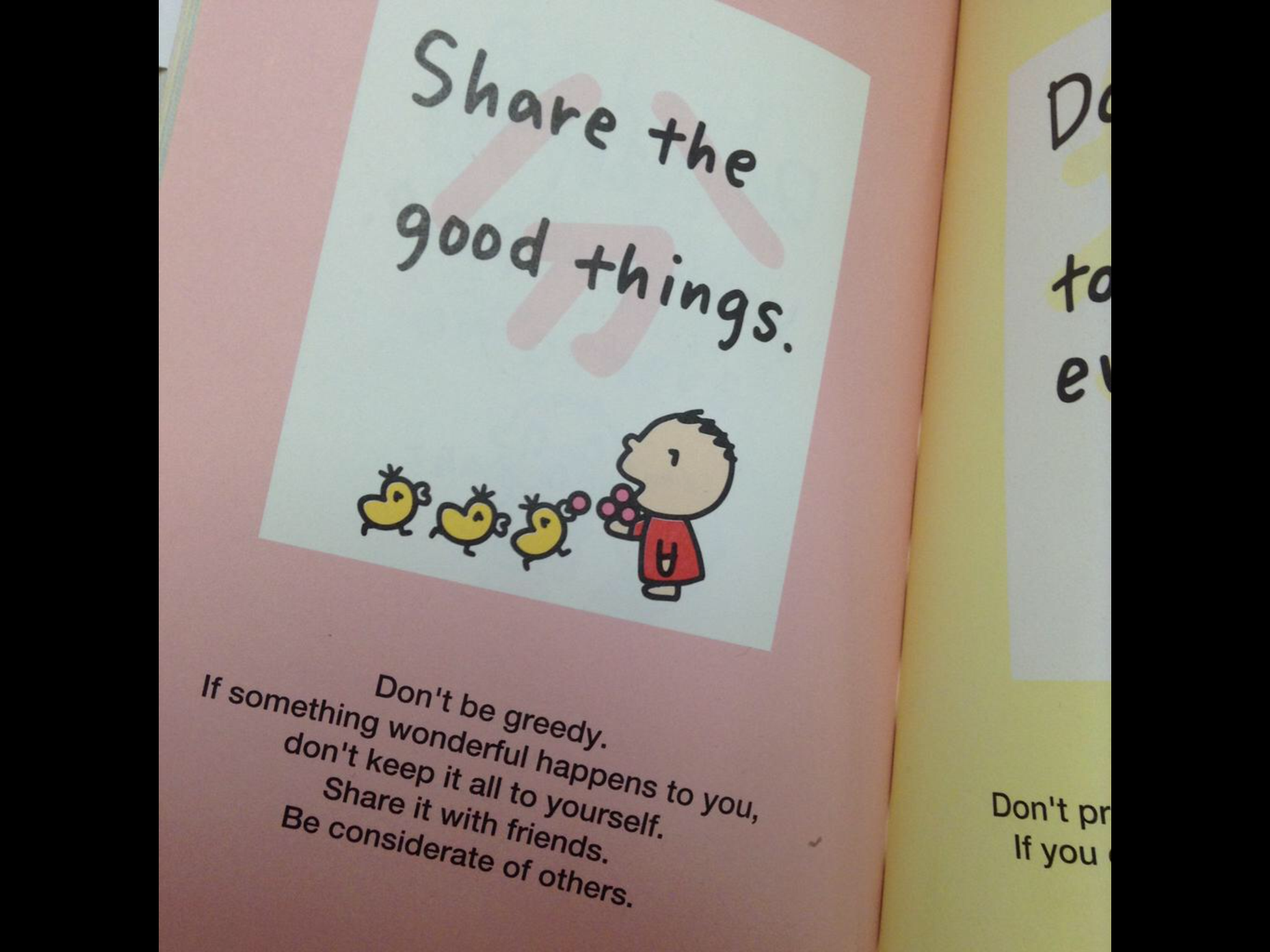
From a Sanrio tweet,

“If something wonderful happens to you, don’t keep it all to yourself.  Share it with friends.”

Last week, I was looking for an App that would allow me to overlay one photo over the top of another.  A friend recommended the Autodesk Pixlr photo editing App as a solution.  The “double exposure” feature did exactly what I wanted, and as an extra bonus, the Pixlr App is free.  I have been playing around with this App since then and so far, I really like it.  Give it a try if you are looking for something like this.  🙂

IMG_4010

Contigo

IMG_3835

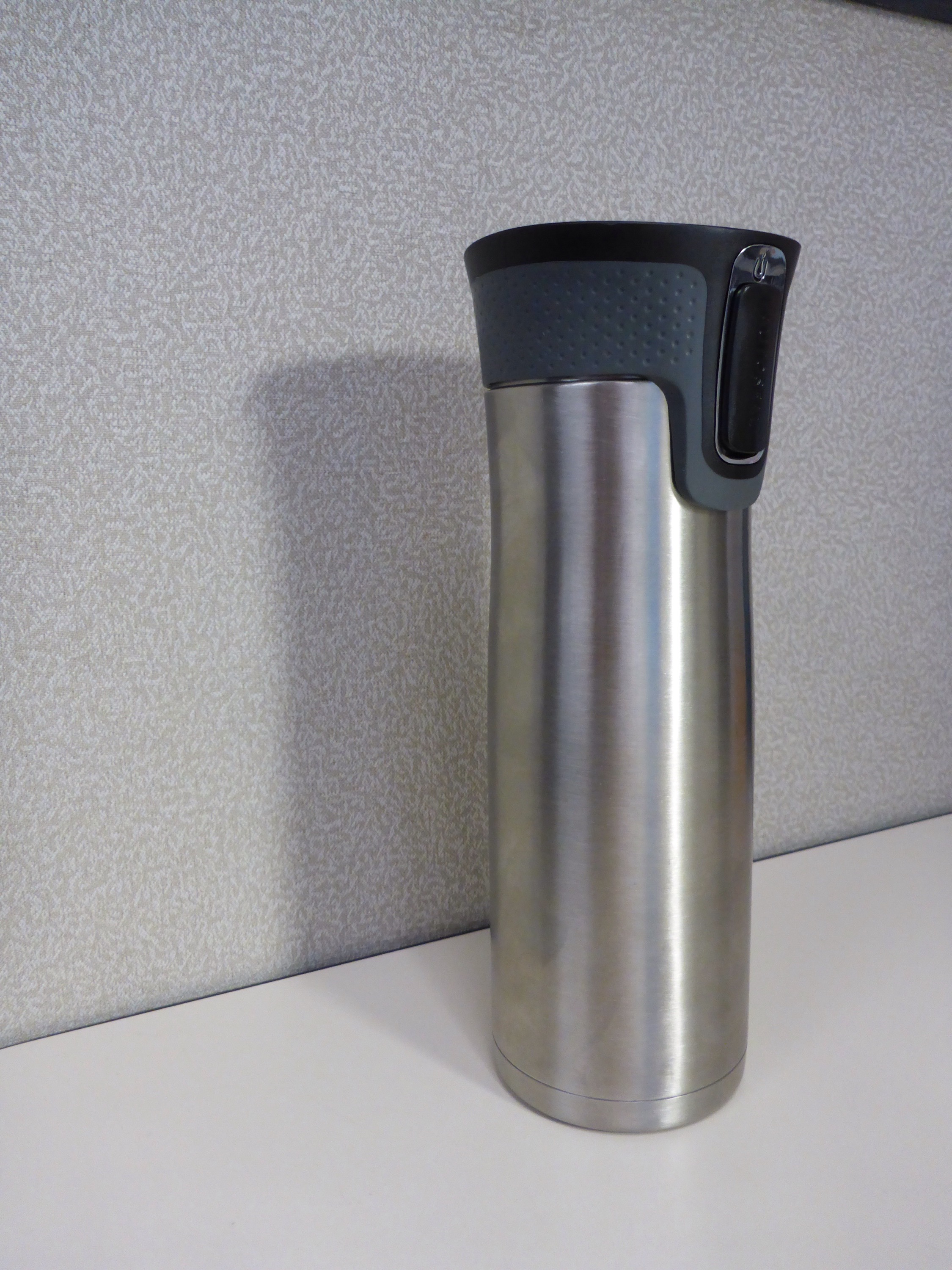
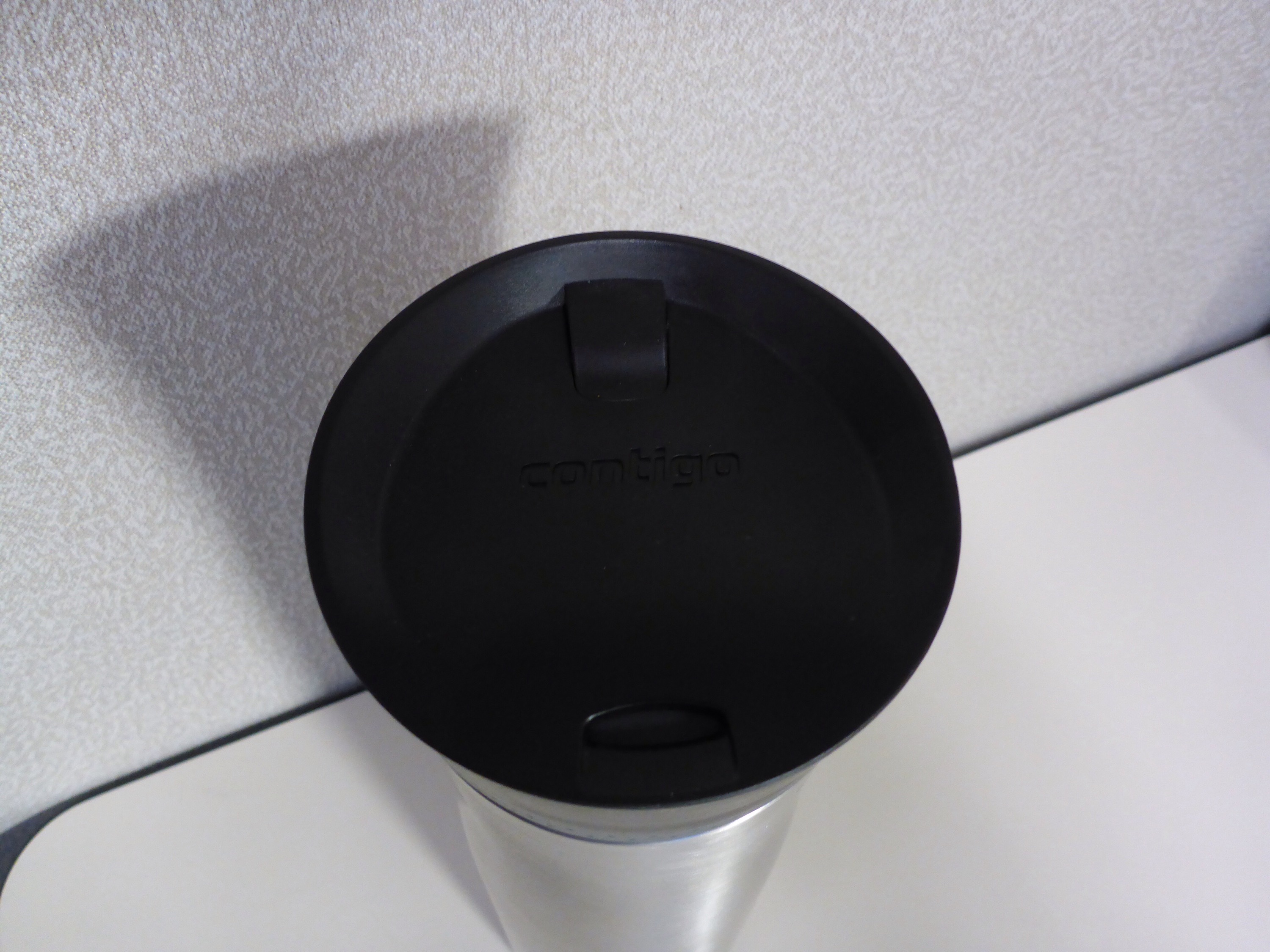
I purchased (with a discount) a new Contigo 24 oz. West Loop Stainless Travel Mug to use primarily at work.  It was still expensive, but my plan is twofold.  One – save money by drinking hot tea at work since the hot water is free and tea bags from the store are not too costly.  Two – drink less sugary drinks from the vending machines or the coffee shop.  This Mug worked like a charm today.  I filled it with hot water and a green tea bag just in time for a 2:00 pm meeting, thinking it might last me through the meeting at least.  Not only that, but the tea was still toasty warm and delicious at 5:30 pm when I decided to stop being a workaholic. I was impressed with my first go, and saved about $2.00 by using my own tea and not purchasing an afternoon drink.  The Mug will be paid for in no time.  Plus, the English dude from Lincolnshire in the UK, who sits nearby, highly recommends this contraption for the perfect tea time!  What could go wrong?

IMG_3836

Windows 10 Technical Preview

IMG_3706

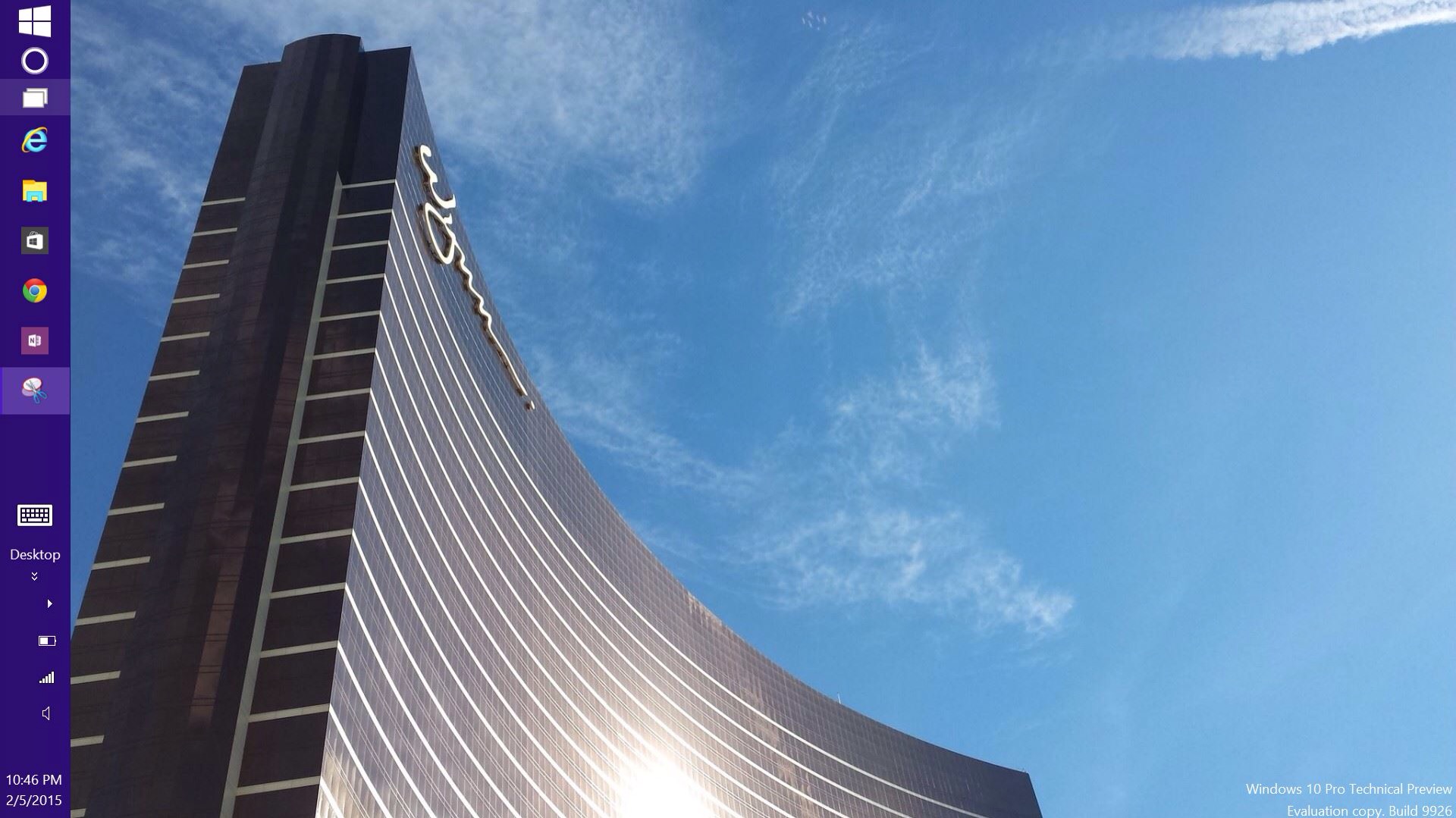
I am a bit of a computer nerd, so I have installed Windows 10 Technical Preview on a tablet for some testing. The screenshot above is an early look at my desktop. I pushed the taskbar to the left side and made it so it will auto hide itself, and used a photo of the Wynn in Las Vegas for my first desktop background. I have installed several Apps, and will know more when I have some more time to play around. For now, I am liking some of the changes to Microsoft’s most recent Operating System. It has kept me up late tonight as I tried to learn as much as possible about what is new. It is past time for sleeping, so goodnight for now…

Lyve

IMG_3638

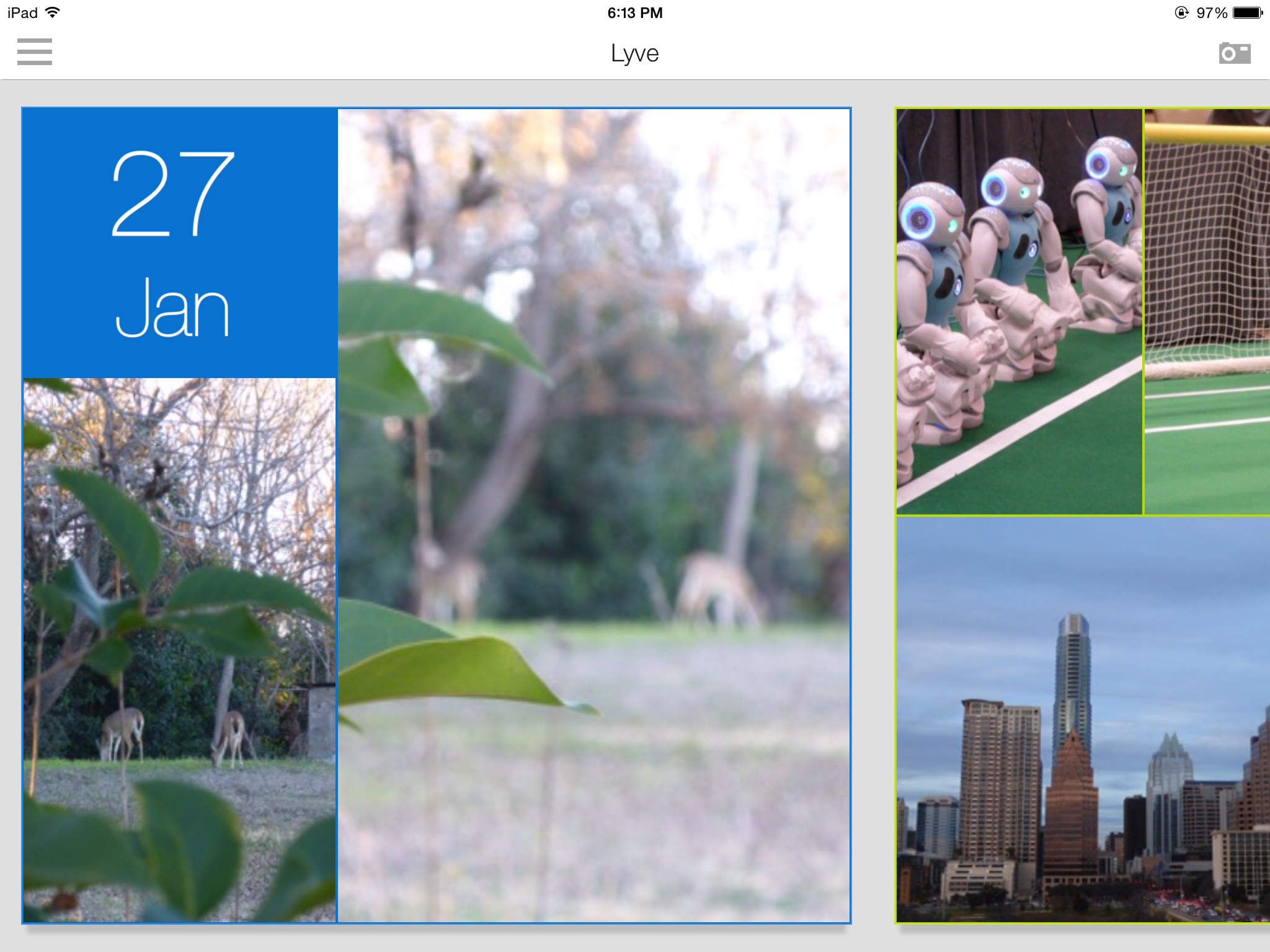
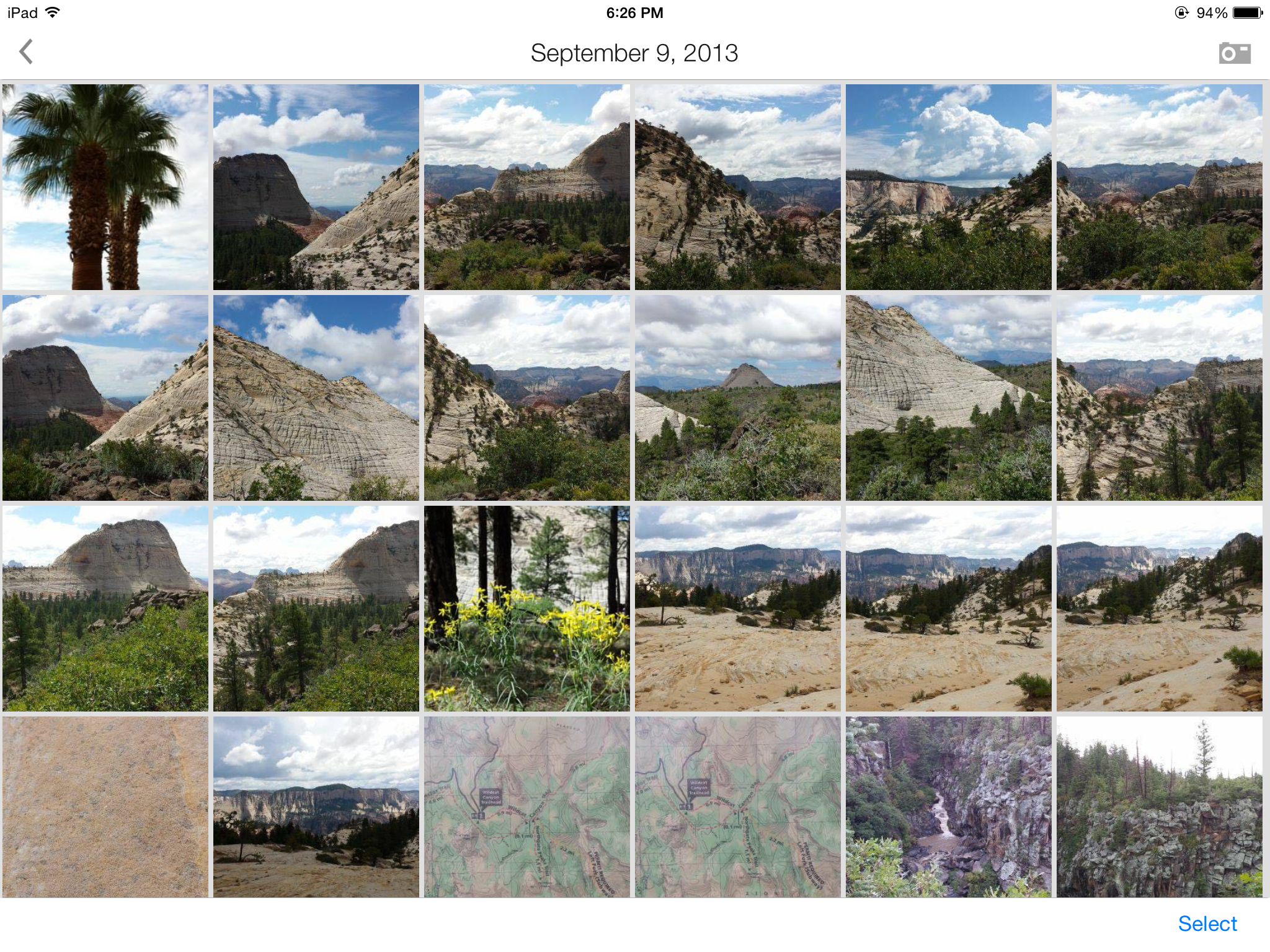
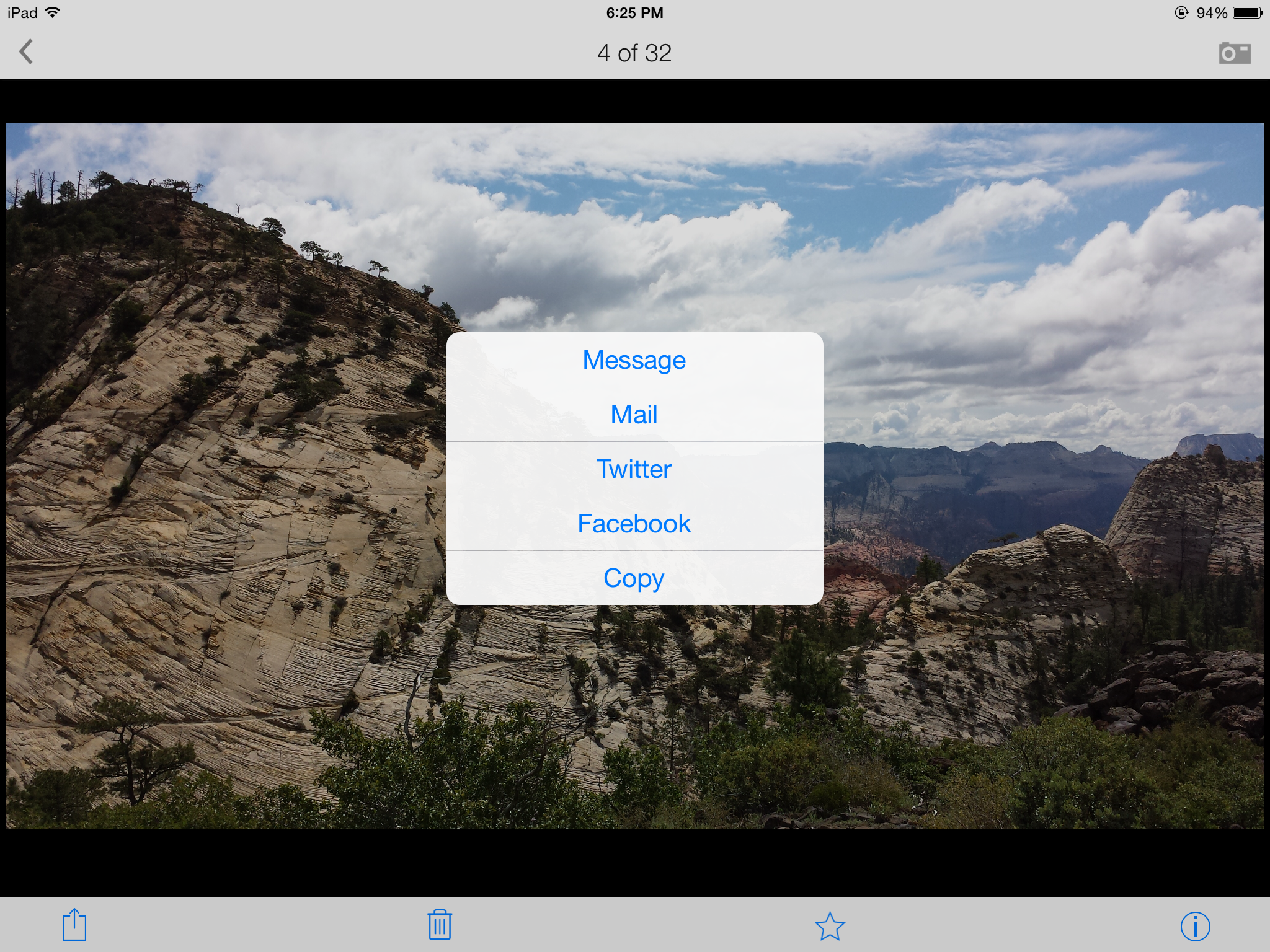
I am testing a free App called Lyve on three of my devices so far – iPad 3, Samsung Galaxy S4, and iPod Touch. There are different sets of pictures on each device, and Lyve has connected to each via the magical interwebs to pull them all into one view sorted by photo date. I’m adding some screenshots so you can get the idea of how it all looks. The first screenshot is the home page when you open the App with my most recent photos, the second is me selecting photos from my visit to Zion National Park back in September 2013, and the third is me selecting one of my favorite photos to send in an e-mail with full resolution. So far, I am pleased with how this App pulls everything together.

If you research their products on their website, you will also see a $300 device that will collect your photos and store them on a 2TB hard drive as long as it is connected to the wireless internet. I’m not sure about spending that kind of dough, but I am researching it in case part of my tax refund needs to be spent on technologies. I need a simple, organized, flawless, inexpensive, automated backup process for my photos, and I haven’t fallen in love with any of the cloud options out there. I could envision having one device at home and one device at work so you could show off all your super cool photography abilities to your groovy coworkers.

If anyone from the Lyve Team wants to provide me with a free trial device, I would be willing to give it a go for you (shameless plug for my highly marketable skills at testing and breaking techie stuff). 🙂

IMG_3640

IMG_3639