
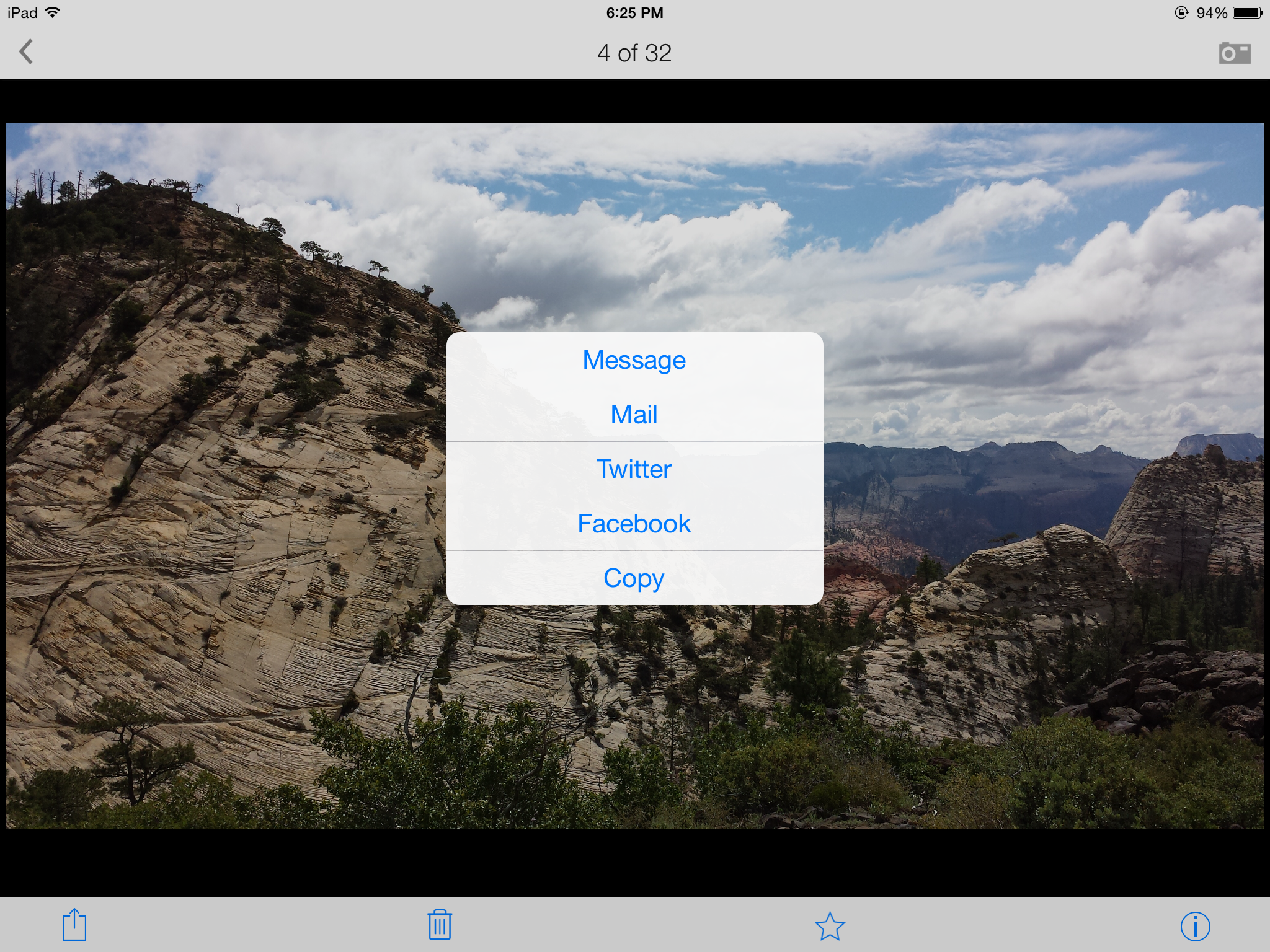
I am testing a free App called Lyve on three of my devices so far – iPad 3, Samsung Galaxy S4, and iPod Touch. There are different sets of pictures on each device, and Lyve has connected to each via the magical interwebs to pull them all into one view sorted by photo date. I’m adding some screenshots so you can get the idea of how it all looks. The first screenshot is the home page when you open the App with my most recent photos, the second is me selecting photos from my visit to Zion National Park back in September 2013, and the third is me selecting one of my favorite photos to send in an e-mail with full resolution. So far, I am pleased with how this App pulls everything together.
If you research their products on their website, you will also see a $300 device that will collect your photos and store them on a 2TB hard drive as long as it is connected to the wireless internet. I’m not sure about spending that kind of dough, but I am researching it in case part of my tax refund needs to be spent on technologies. I need a simple, organized, flawless, inexpensive, automated backup process for my photos, and I haven’t fallen in love with any of the cloud options out there. I could envision having one device at home and one device at work so you could show off all your super cool photography abilities to your groovy coworkers.
If anyone from the Lyve Team wants to provide me with a free trial device, I would be willing to give it a go for you (shameless plug for my highly marketable skills at testing and breaking techie stuff). 🙂









 earthrobert