Periscope on Android

IMG_4757

I am sure by now that you, my Internet Friends, are tired of me proclaiming the magical wonders of Periscope.  However, there is a big announcement – Periscope on Android is LIVE.  I now can use my unlimited data plan (as sketchy as the signal can be at times) to create my own broadcasts.  I have tried a few local broadcasts (without cats or other cute viewer nabbing critters), and my heart count is up to a whopping 2 hearts.  My heart getting skills need a little bit of tender loving care.  Don’t worry, I am determined to get the hang of this Android-based Periscoping thing.  I am sure to double my heart count in no time.  I suggest that you get out there and start some broadcasts of your own, with or without tiny, cute, cuddly, fluffy animals in tow.  If you stay focused, you may soon have 2 hearts of your own.  πŸ™‚

IMG_4758

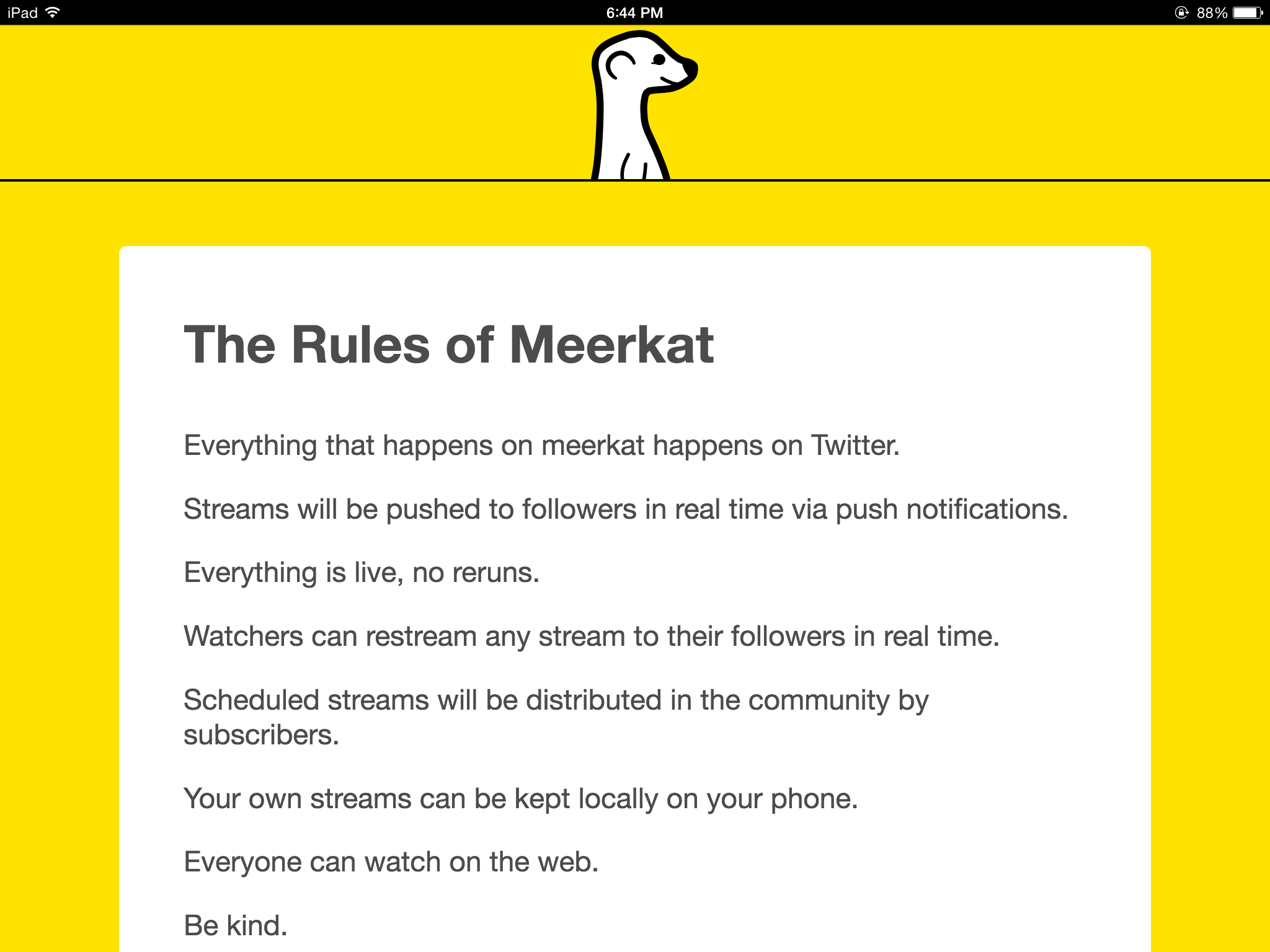
Meerkat

IMG_4658

The highlight of my day so far was installing Meerkat on my phone.  It is the App that gathered a ton of publicity at SXSW this year.  It is similar to the App I am most addicted to (Periscope), but Meerkat is now available on Android platforms, whereas Periscope is still limited to iOS platforms.  So now that the video sharing App is on my phone, I can share some of my adventures (like yesterday’s most awesome sunset) with anyone in real time as long as I have a phone connection.  The App is free, so give it a try if you are interested.

IMG_4659

Medium

IMG_4558

I am experimenting with a new App today called “Medium“.  It is an App that allows you to read stories and articles, similar to Reddit, but without the baked in naughtiness. I installed the App and then glanced through the top stories (as voted upon by fellow readers).  The story that caught my eye was in the eleventh spot – about traveling alone.  Since I am thinking about taking a trip soon, I wanted to pick up some sage advice.  I found out about “Whatever The Fuck Time”, which is that time when you just do what you want.  Simple enough.  It is defined in the screen shots below.  I don’t know if I can recommend the App yet or not, but it is free, so feel free to check it out if you like.  πŸ™‚

IMG_4557

IMG_4556

Shining Hope for Communities

IMG_4503

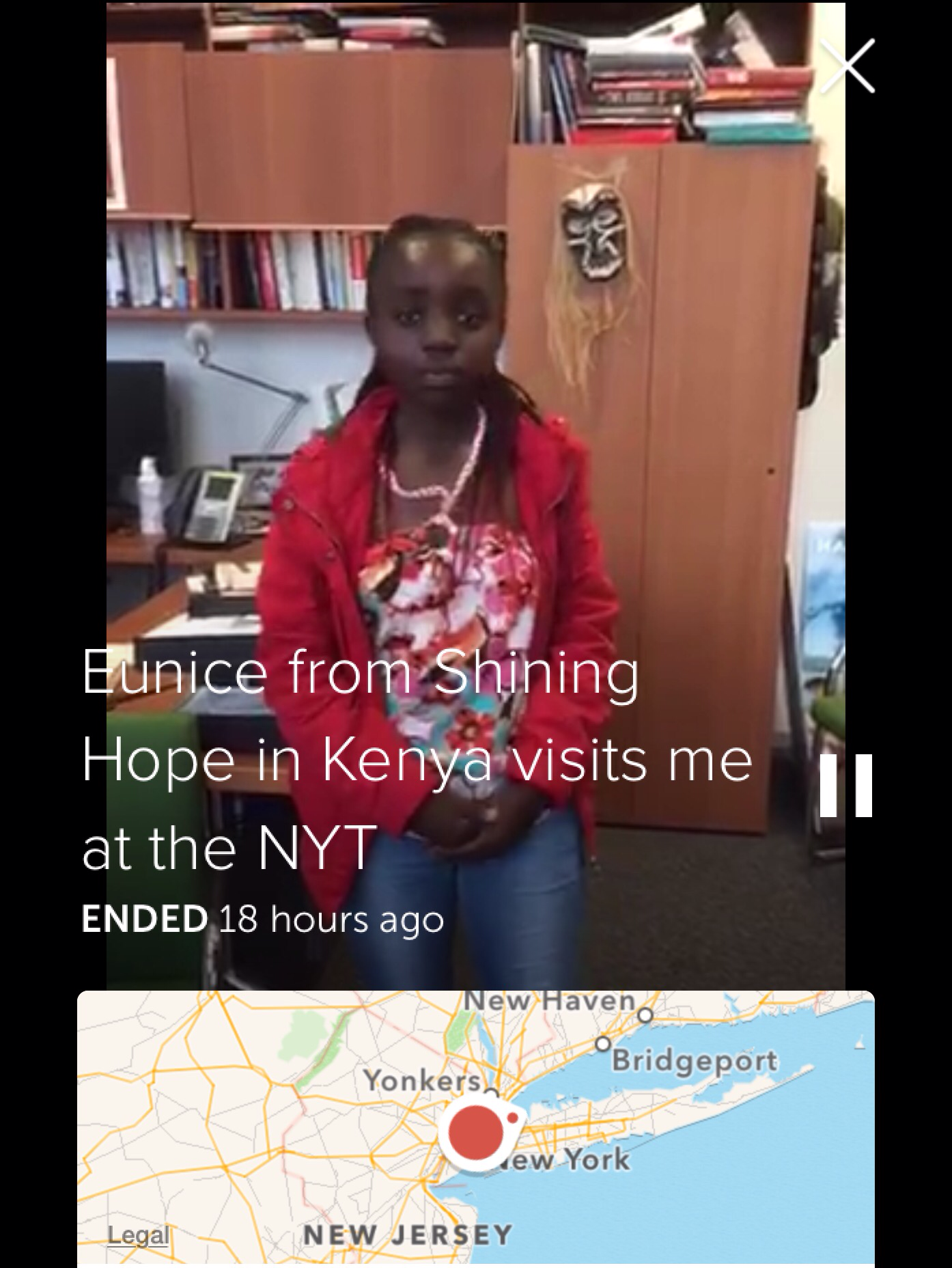
Yes, my Periscope addiction is ongoing.  So now on the Periscope App where you can see the videos from individuals you are following, the Periscope people have begun posting recommended videos that remain for viewing for about 24 hours.  I watched one of the best this morning.  It was from journalist Nick Kristof, who had invited Eunice Akoth (a sixth grade student from the settlement of Kibera in Kenya, Africa) to visit him in New York.  The short, live video showed a brief interview and a performance of a poem by Eunice.  The poem is extremely moving, and can be found here along with several other stories about day to day life in Kibera.  Kibera is Africa’s largest slum where daily challenges can include basic needs like food, water, and shelter.  Shining Hope for Communities is an organization working to help this settlement, and their mission statement can be seen below in a screenshot from their website.  At the very least, you should check out the poem from Eunice.  If you are like me, it will inspire you to learn more about her story and the people who have reached out to assist her and the community she lives in.

IMG_4509

Star Wars: Commander – Update

IMG_4486

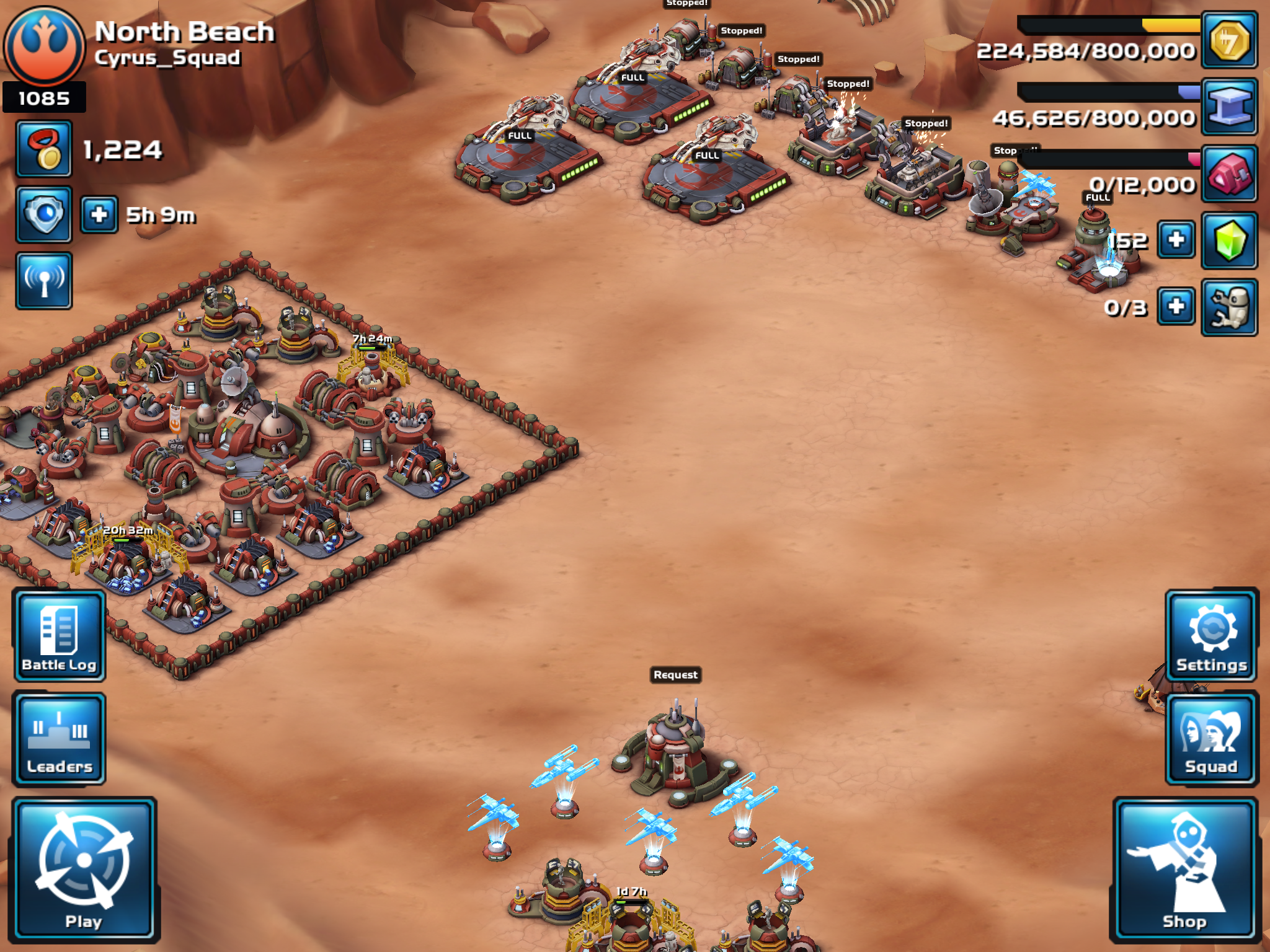
Anyone remember my blog post from back in February when I shared my nerdy iPad game called “Star Wars: Commander”?  Well, I am still playing.  I know you were kind of excited when I first started my tiny little base with an initial base rating of 75.  As of today, my base rating is 1085, and this helps determine what kind of battles I get into with other players.  So far, I have won 309 attacks on other unsuspecting people’s bases, and 43 defenses of my own spectacular impregnable fortress of a base.  Now I am assuming that you are totally excited?  Don’t worry, I will continue to neglect my chores and other important things like reading books for example just so I can update you with my gaming progress.  Yay!

IMG_4485

Periscope

IMG_4441

My favorite App for the iPad, iPhone, or iPad Touch lately is Periscope.  It allows you to travel the world, see new things, and hang out with different people.  So far today, I have seen places in Italy, France, Australia, and the UK by watching other user’s live feeds.  From their website,

β€œFor viewers, Periscope gives you a new set of eyes and ears.  Travel the world and step into someone else’s shoes.  See what they see, hear what they hear, and hopefully feel what they feel.”

I’ve added a few random screenshots to give you an idea of the endless possibilities you can experience live, including a Venice Beach sunset and a nice storm cloud in Arizona.  Has anyone else tried Periscope, and if so, are you enjoying it?

IMG_4440

Sharing – Autodesk Pixlr

IMG_4011

From a Sanrio tweet,

β€œIf something wonderful happens to you, don’t keep it all to yourself.  Share it with friends.”

Last week, I was looking for an App that would allow me to overlay one photo over the top of another.  A friend recommended the Autodesk Pixlr photo editing App as a solution.  The “double exposure” feature did exactly what I wanted, and as an extra bonus, the Pixlr App is free.  I have been playing around with this App since then and so far, I really like it.  Give it a try if you are looking for something like this.  πŸ™‚

IMG_4010

Lyve

IMG_3638

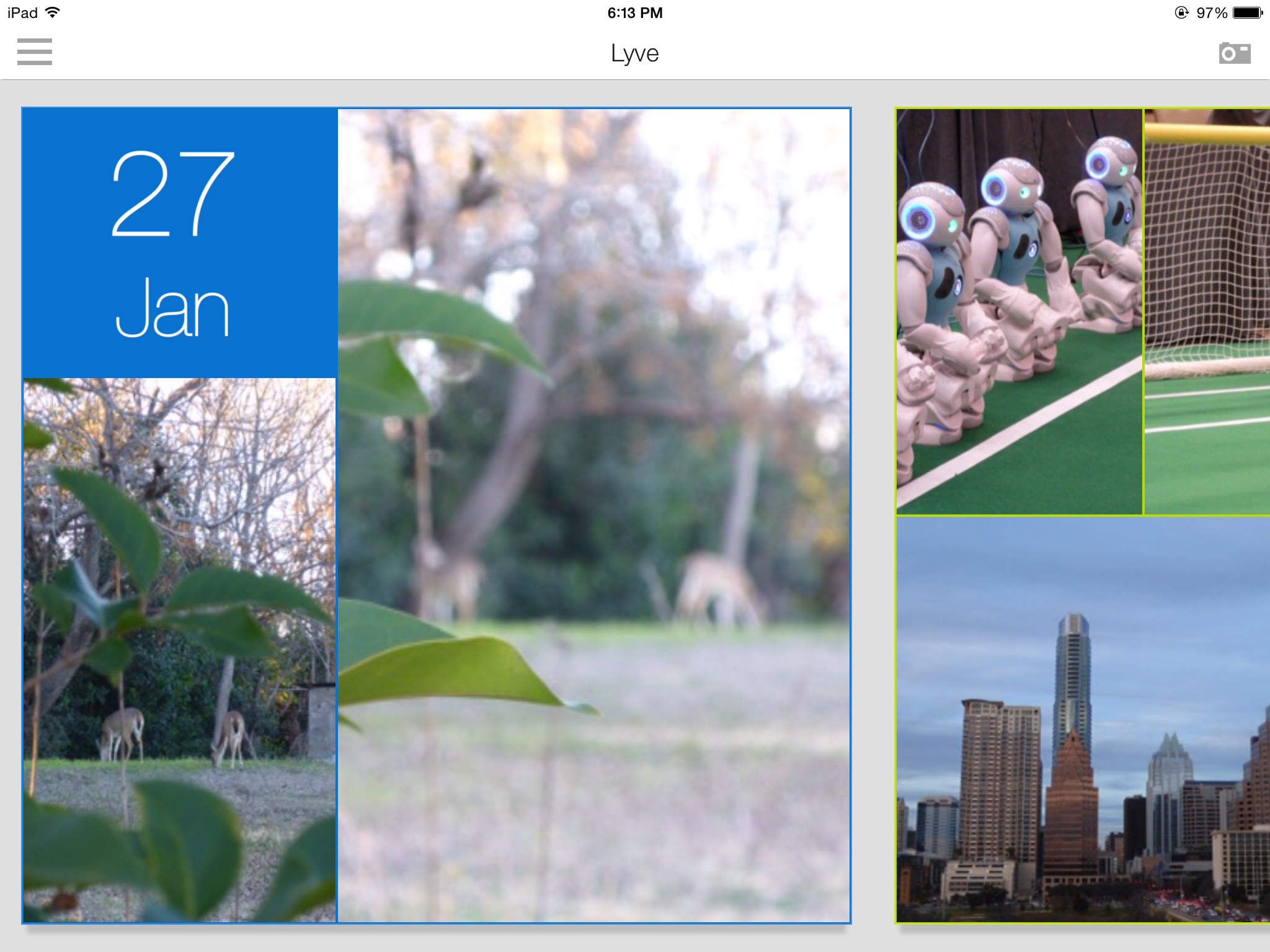
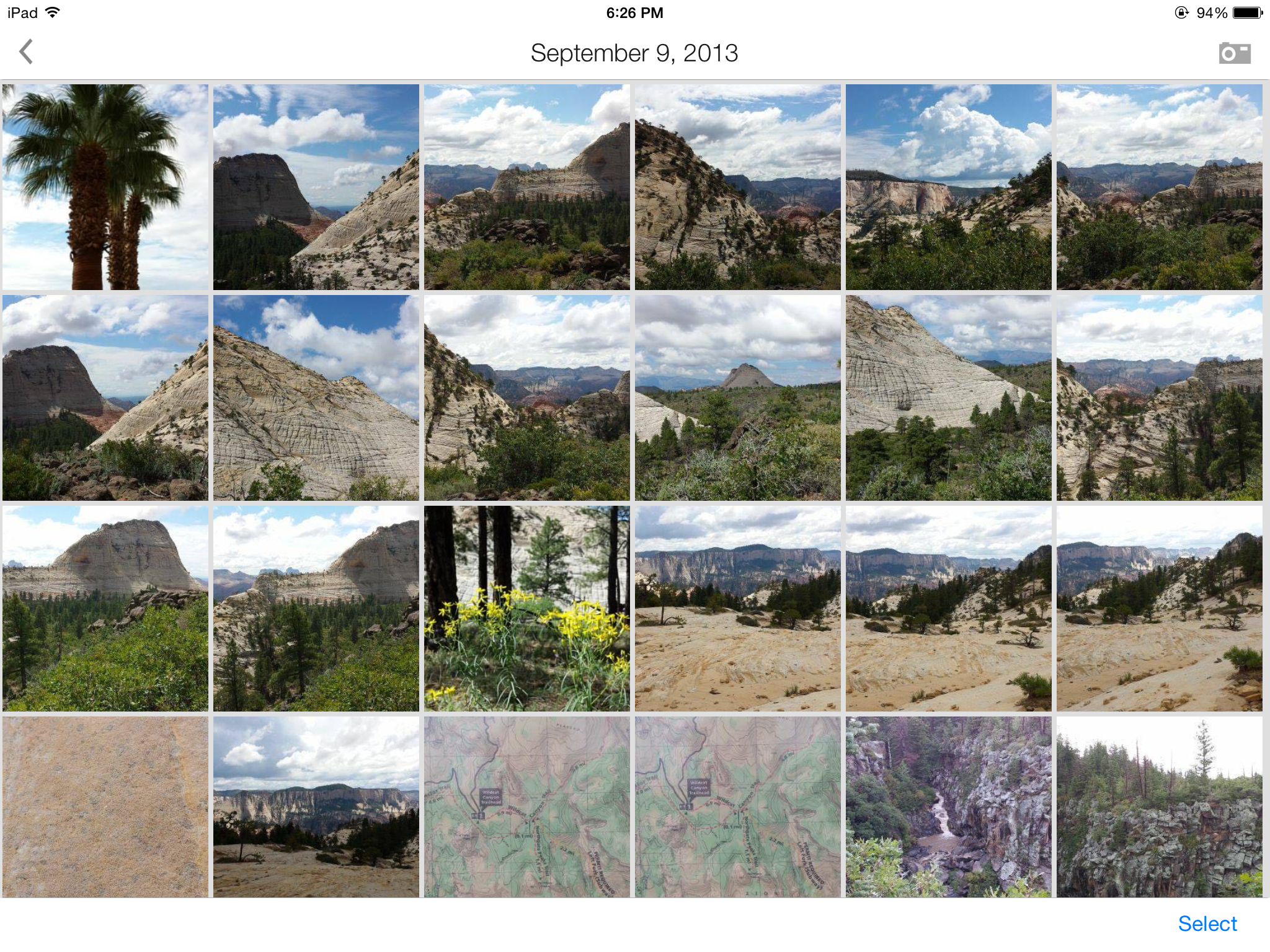
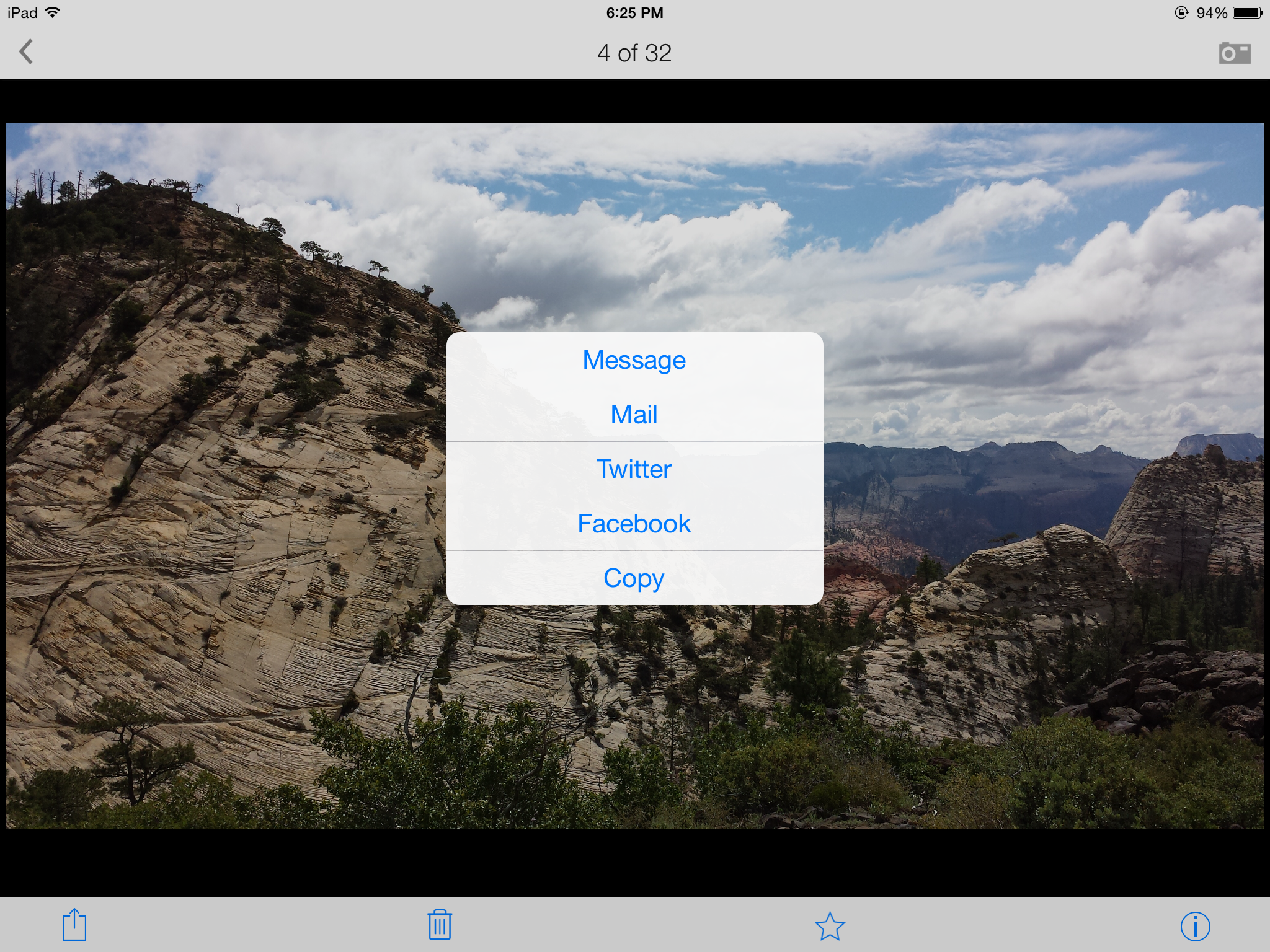
I am testing a free App called Lyve on three of my devices so far – iPad 3, Samsung Galaxy S4, and iPod Touch. There are different sets of pictures on each device, and Lyve has connected to each via the magical interwebs to pull them all into one view sorted by photo date. I’m adding some screenshots so you can get the idea of how it all looks. The first screenshot is the home page when you open the App with my most recent photos, the second is me selecting photos from my visit to Zion National Park back in September 2013, and the third is me selecting one of my favorite photos to send in an e-mail with full resolution. So far, I am pleased with how this App pulls everything together.

If you research their products on their website, you will also see a $300 device that will collect your photos and store them on a 2TB hard drive as long as it is connected to the wireless internet. I’m not sure about spending that kind of dough, but I am researching it in case part of my tax refund needs to be spent on technologies. I need a simple, organized, flawless, inexpensive, automated backup process for my photos, and I haven’t fallen in love with any of the cloud options out there. I could envision having one device at home and one device at work so you could show off all your super cool photography abilities to your groovy coworkers.

If anyone from the Lyve Team wants to provide me with a free trial device, I would be willing to give it a go for you (shameless plug for my highly marketable skills at testing and breaking techie stuff). πŸ™‚

IMG_3640

IMG_3639