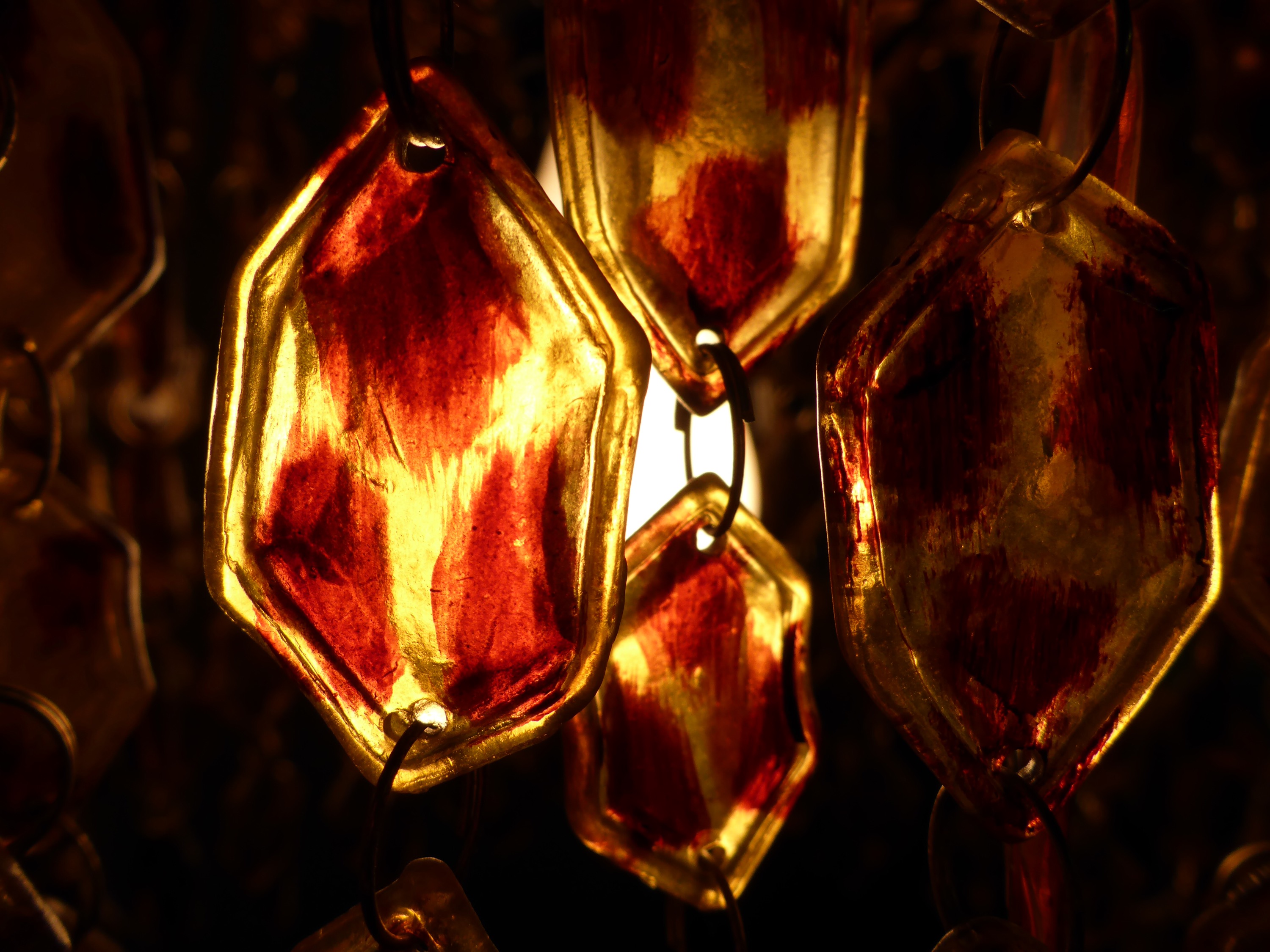
Downtown Taylor has several antique stores to check out with finds like this lamp.


I have been saving for this device for a long time. They had it in stock today at the Apple Store in the Barton Creek Square Mall. I rushed over there after work and made the purchase. I will let you know how things work out. As of now, I am using the WordPress App on the new system to upload this blog post.



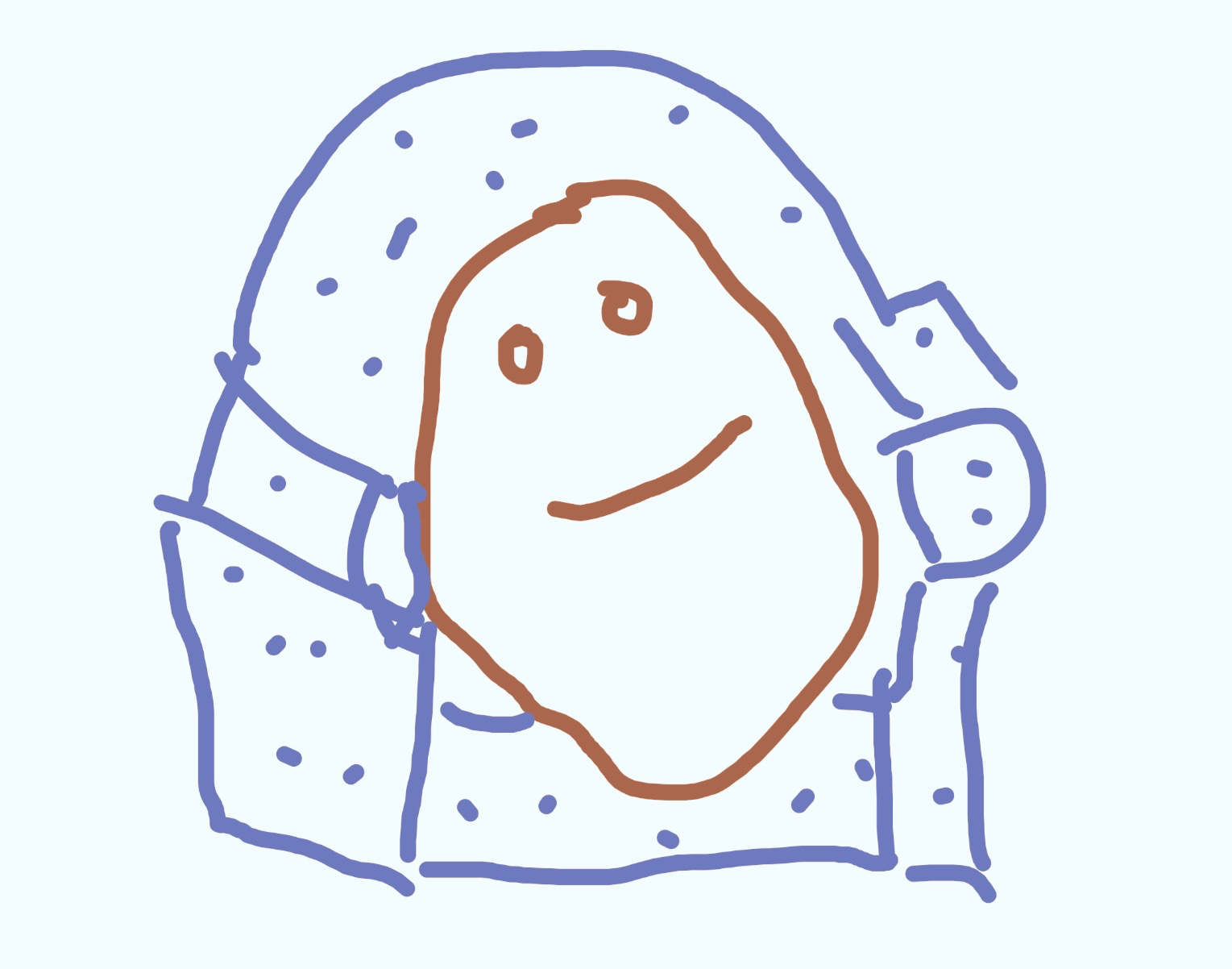
Super Voodoo Doll Doughnut. As imagined by me and created with the help of the super fun Pixlr App.

I am still enjoying Periscope. Lately they have improved the Map View to include options to see live video or recorded video. For recorded video, there is a new option to Skip Ahead. Just press and hold on your touchscreen, and you can fast forward to the spot you want to see in the recorded video. It is chilly in Austin, and I am missing the beach, so I virtually travelled to Australia tonight to catch a sunrise. I hope you enjoy the possibilities for travel on Periscope too.


If you are a fan of Google Maps, you can help out the world and get some benefits like upgrading your Google Drive storage. I have used and contributed a bit to Yelp, Gowalla, and Foursquare in the past, but fell out of like with them all. I’m usually out and about with a camera of some sort, so why not contribute a photo or a review every now and then? These screenshots are from tonight’s review of Shake Shack in the Domain – my first burger here. If you want to learn more about Google Local Guides, check out their website. If you become a super Local Guide and get invited to a cool party or get Google Drive upgrades or other free stuff, then you can thank me later. 🙂

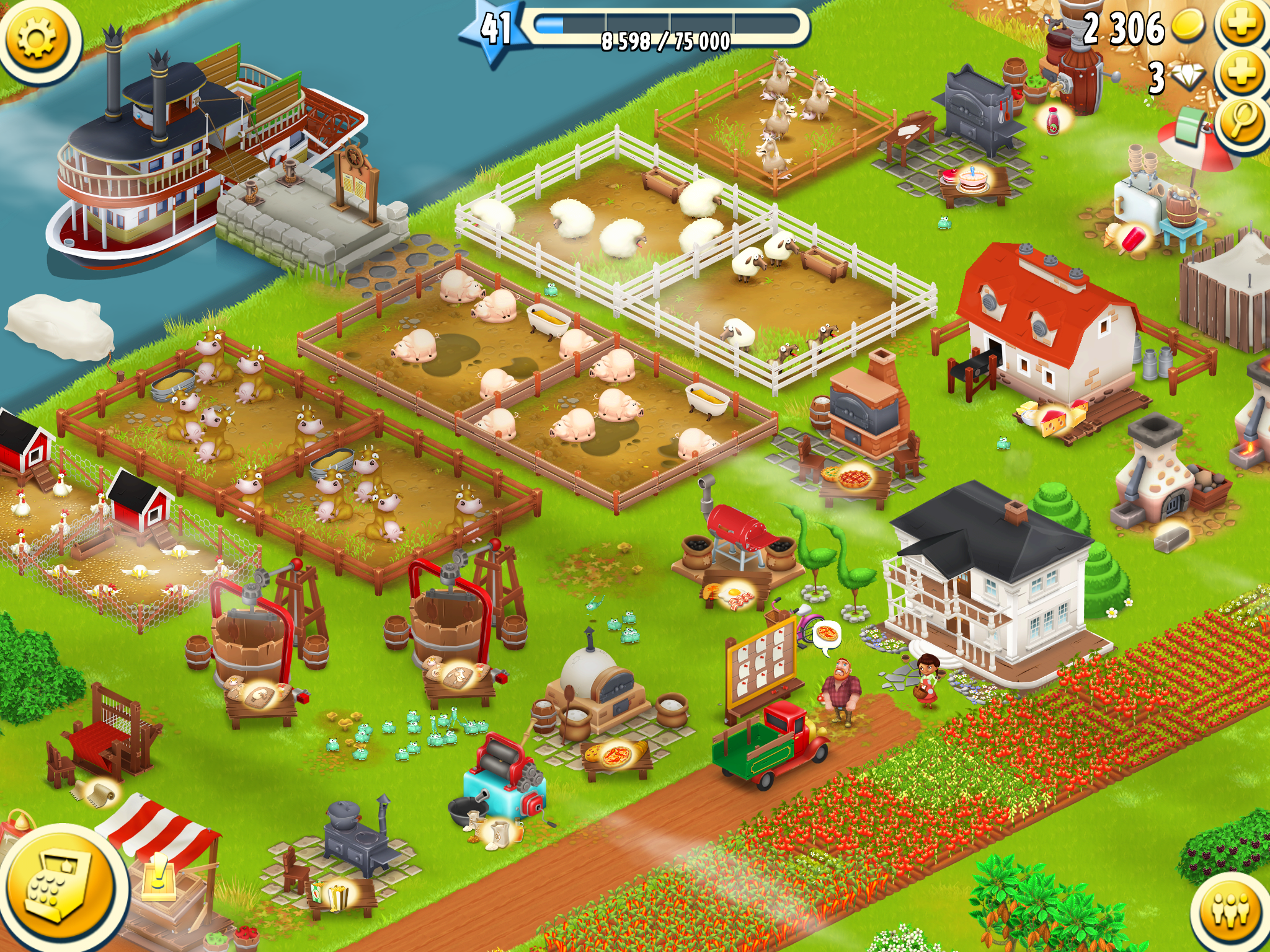
I got so bored today while cooped up at home that I started farming…
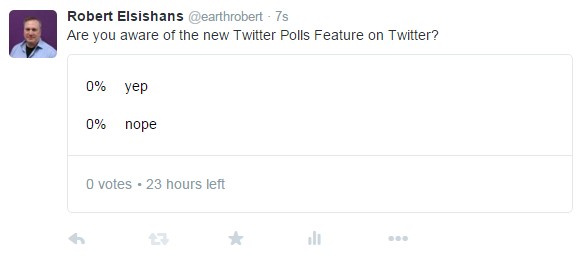
Do you have a Twitter account? If so, there is a new feature that might be kind of fun called “Twitter Polls“. You can select the “Poll” option when composing a new tweet and have some fun with your questions and answers. Feel free to check out my new poll on Twitter. 🙂

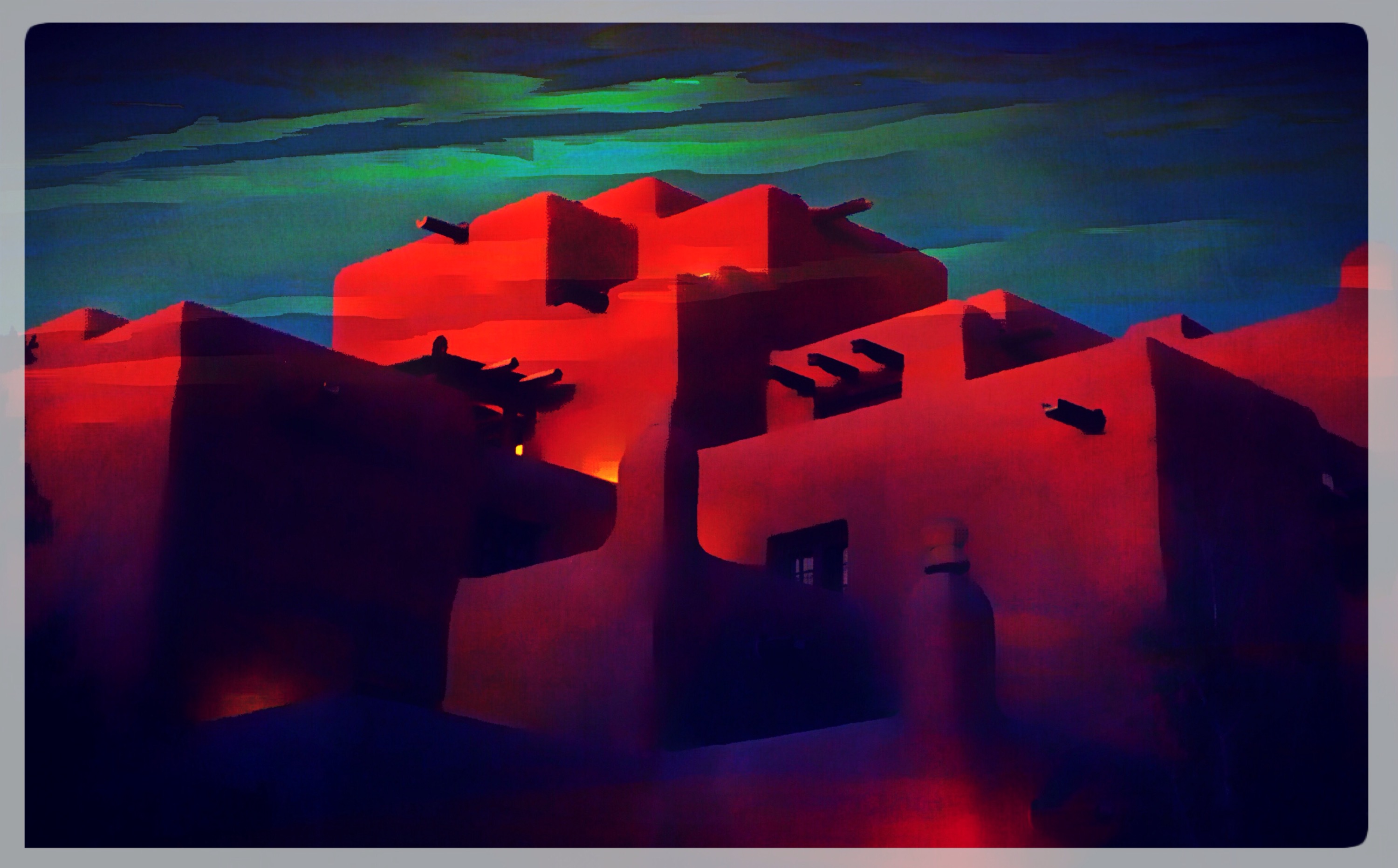
Thinking about New Mexico and experimenting with Pixlr. 🙂

Please don’t hate me, but I have been experimenting with Instagram lately. It is sort of like a blog that allows for a single photo with some associated text. I have fallen for several accounts including National Geographic and National Geographic Travel (standard accounts everyone should follow). I used to hate that you couldn’t post a full photo, but were restrained to a square format for pictures. These links will help to describe the relatively new and simple functionality whereby you can post most any sized photo (Link 1) and (Link 2). They just show up as square images on one version of your personal feed, but are normally sized everywhere else on the App. If you are a fan of Instagram, or would just like to check it out, look for earthrobert on the site, and don’t be a square. 😛
Note – First time ever to draw on the iPad. My art skillz are the greatest! 🙂
For my internet friends who love Periscope, they have a secret called Couch Mode. It is meant to be used on a desktop computer without access to the Periscope App. You launch this mode in your browser (www.periscope.tv/couchmode), and then you can flick through a random feed of Periscope streams. Totally fun, and you have no idea what stream will be next. Be careful, as this is the internet after all. I hope you enjoy it!
 earthrobert