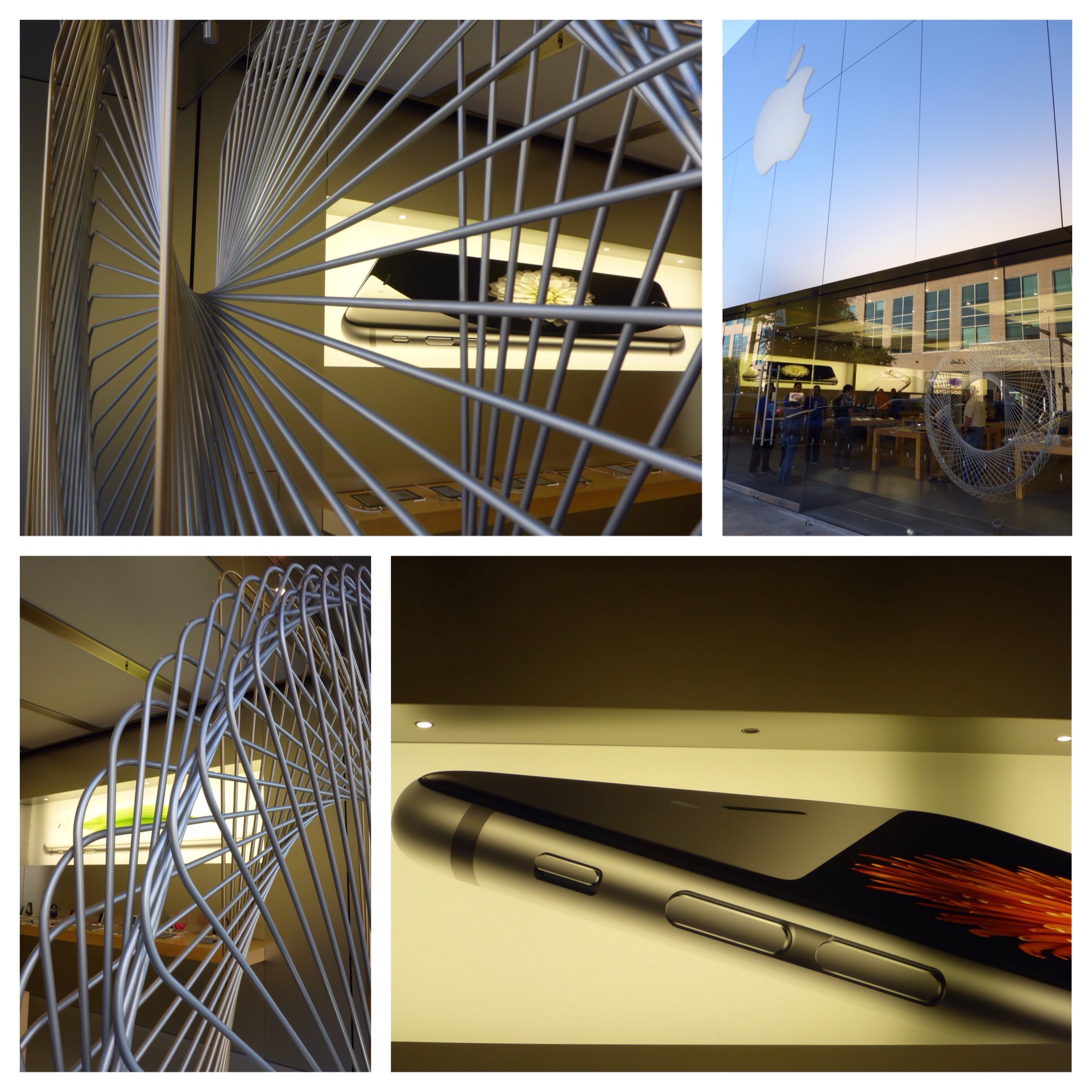
Anyone else out there trying the new Apple Music? They currently have a free, three-month trial membership going on. I am liking it so far and need to try the feature where you can save music from the collection for offline listening. Given a little time, I could build out a nice, energetic playlist for walking. If I get a good one going, I will post it somewhere to share. Let me know if you have a favorite playlist of your own, and I will give it a listen.
Tag Archives: Apple
Periscope Map View
Periscope keeps getting cooler, and I get more and more addicted to the App. I can hardly fall asleep now without watching an episode of “Sock Cop” to see Tug Boat, Popsicles, Mills Motors, some Doo Doots, Parkours, and Dr. Peppers. The best new feature (on iOS only for now) is the Map View. I have provided a few screenshots to give you an idea of how it works. You click on the globe icon, and you are presented with a world map and choices for some periscopes you can watch that are originating in that specific part of the world. I can go to Miami, Amsterdam, Cancun, Rome, Honolulu, or anywhere else at the touch of the screen, and see what someone is doing and broadcasting at that moment. If I am planning a trip, I can maybe find a friendly local and ask them for advice about their city. The second screenshot is an example of zooming in on the current activity in Austin. I can even choose geographical areas of the city to see what people are broadcasting from the North side, for example. Keep innovating, Periscope People, and I’m sure I will return each evening to see what’s new in the world.
Star Wars: Commander – Update
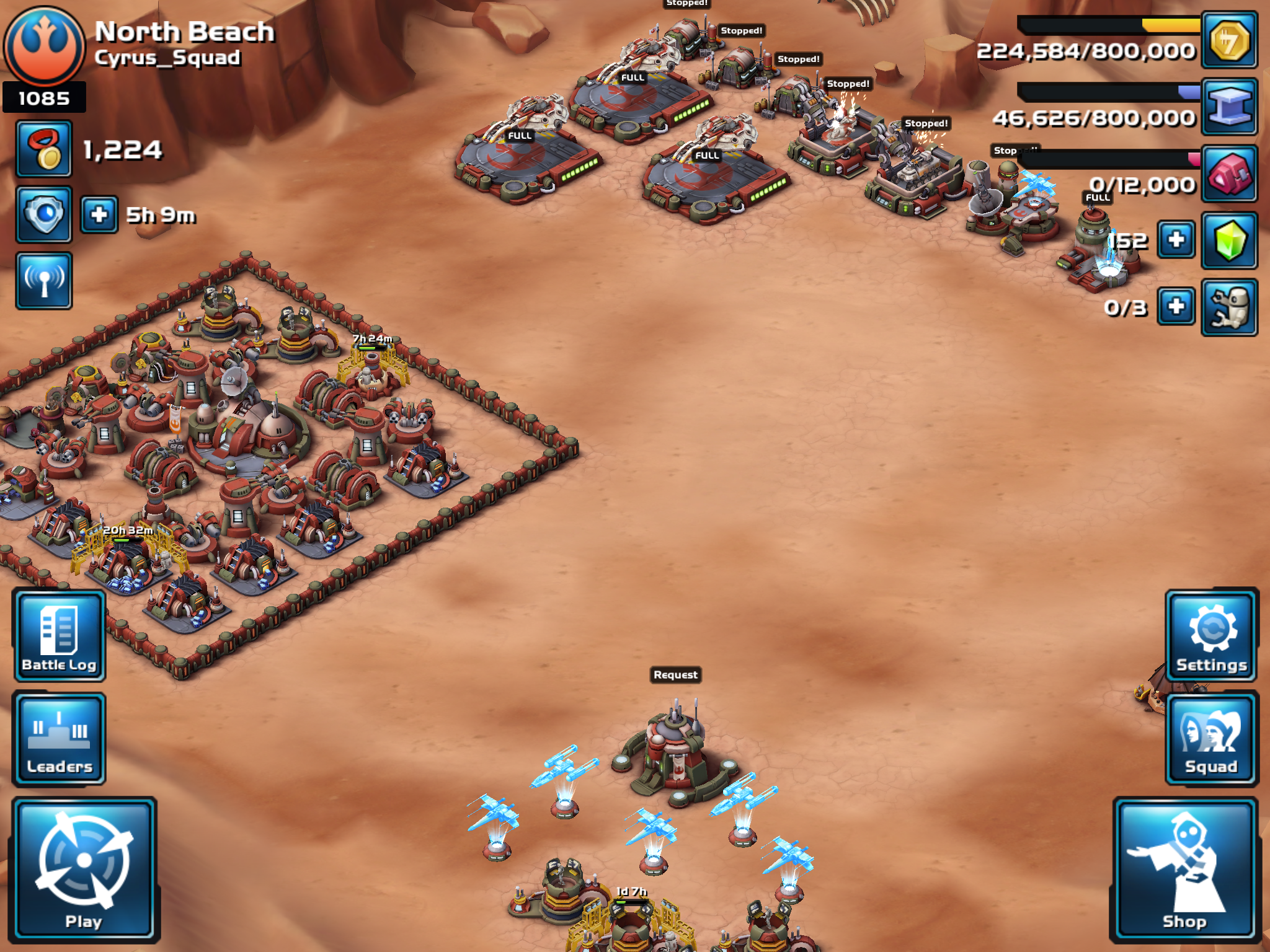
Anyone remember my blog post from back in February when I shared my nerdy iPad game called “Star Wars: Commander”? Well, I am still playing. I know you were kind of excited when I first started my tiny little base with an initial base rating of 75. As of today, my base rating is 1085, and this helps determine what kind of battles I get into with other players. So far, I have won 309 attacks on other unsuspecting people’s bases, and 43 defenses of my own spectacular impregnable fortress of a base. Now I am assuming that you are totally excited? Don’t worry, I will continue to neglect my chores and other important things like reading books for example just so I can update you with my gaming progress. Yay!
Periscope
My favorite App for the iPad, iPhone, or iPad Touch lately is Periscope. It allows you to travel the world, see new things, and hang out with different people. So far today, I have seen places in Italy, France, Australia, and the UK by watching other user’s live feeds. From their website,
I’ve added a few random screenshots to give you an idea of the endless possibilities you can experience live, including a Venice Beach sunset and a nice storm cloud in Arizona. Has anyone else tried Periscope, and if so, are you enjoying it?
Sharing – Autodesk Pixlr
From a Sanrio tweet,
Last week, I was looking for an App that would allow me to overlay one photo over the top of another. A friend recommended the Autodesk Pixlr photo editing App as a solution. The “double exposure” feature did exactly what I wanted, and as an extra bonus, the Pixlr App is free. I have been playing around with this App since then and so far, I really like it. Give it a try if you are looking for something like this. π
Star Wars: Commander
A friend has persuaded me to install the game called “Star Wars: Commander” onto my iPad, and to join his Squad. So far, I have joined The Rebellion, built up some troops, and crushed some Womp Rats. I am now working on a redesign for my base. We will see how this goes. I bet y’all are really excited about this!
Lyve
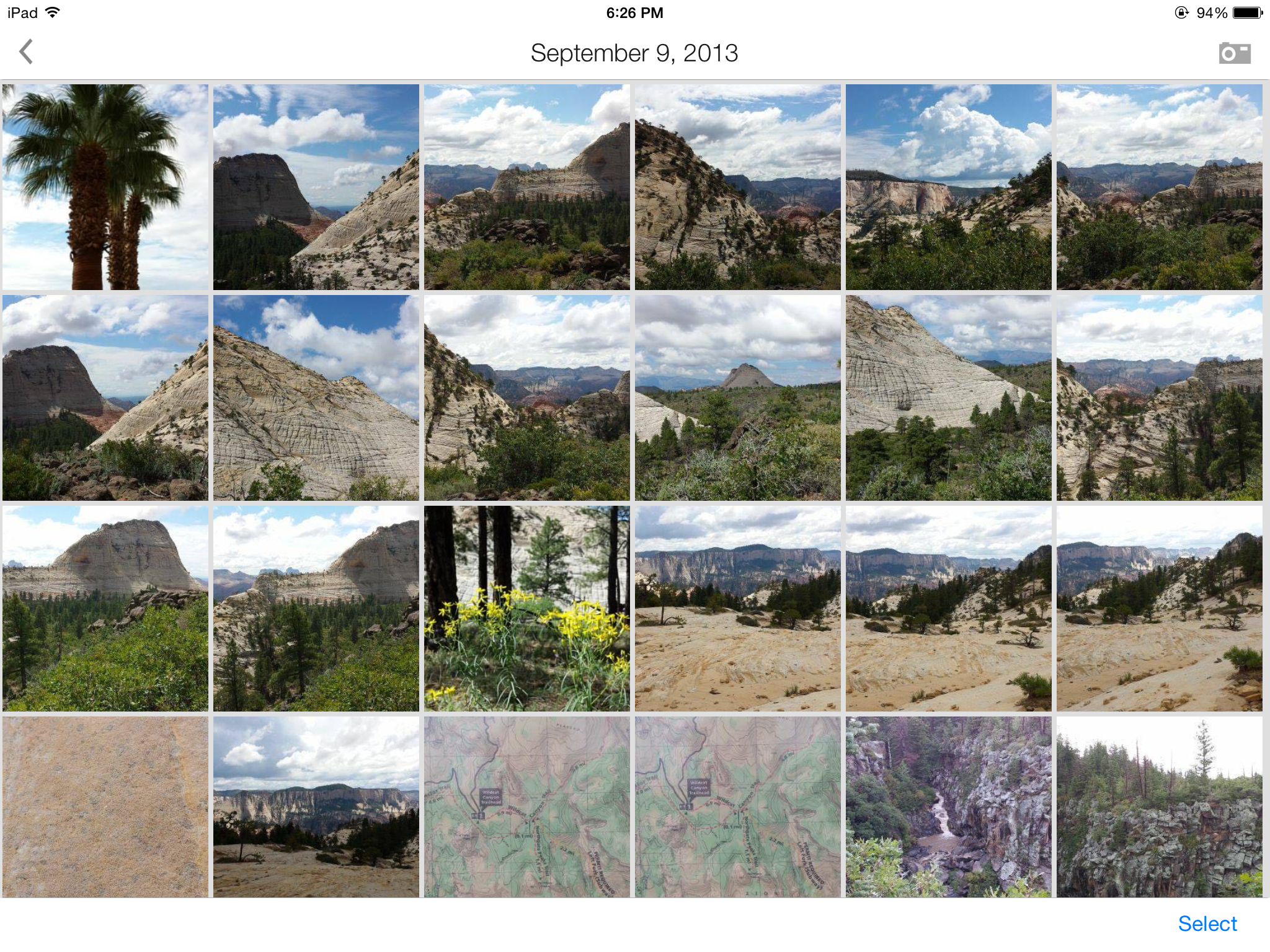
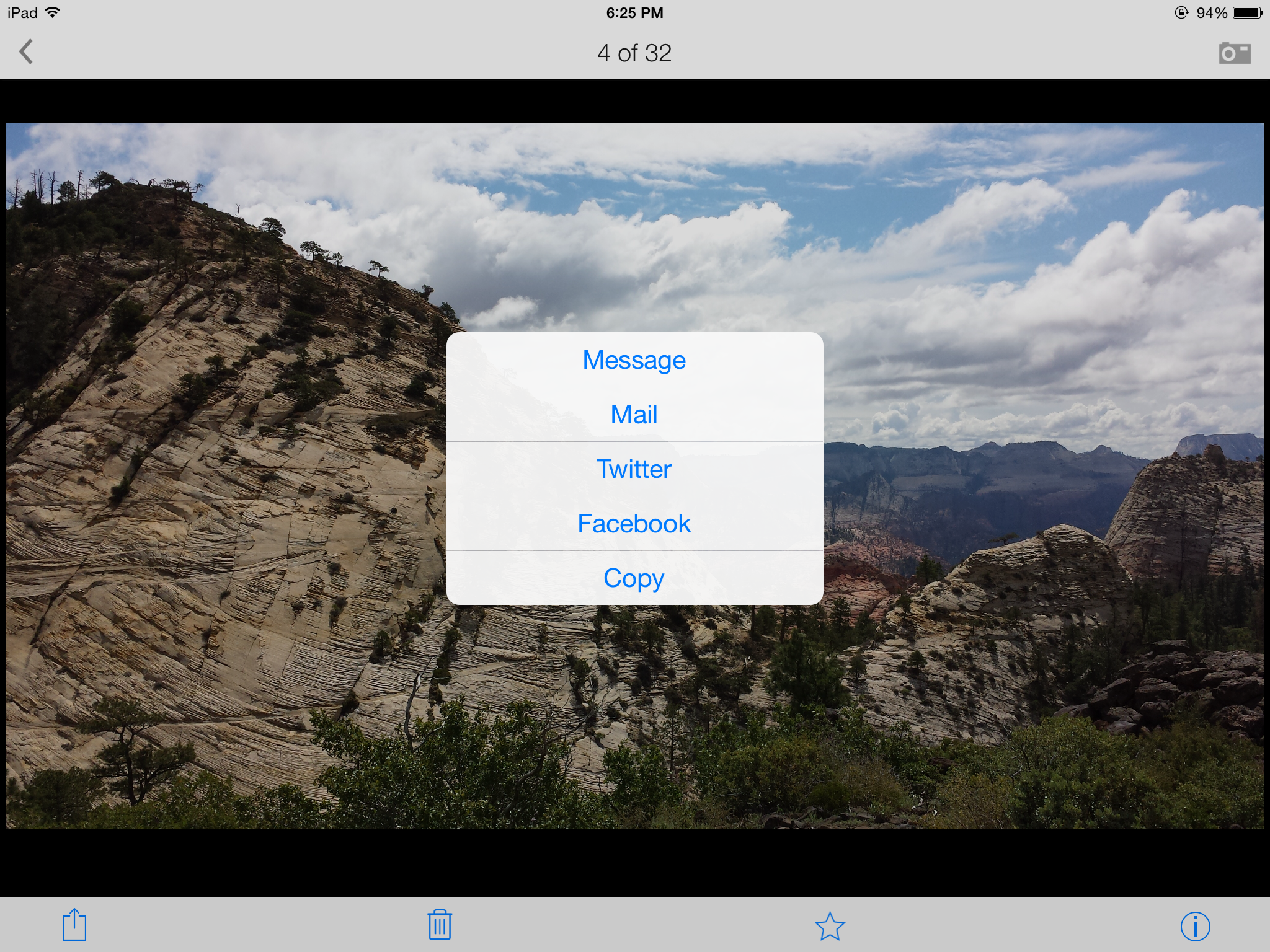
I am testing a free App called Lyve on three of my devices so far – iPad 3, Samsung Galaxy S4, and iPod Touch. There are different sets of pictures on each device, and Lyve has connected to each via the magical interwebs to pull them all into one view sorted by photo date. I’m adding some screenshots so you can get the idea of how it all looks. The first screenshot is the home page when you open the App with my most recent photos, the second is me selecting photos from my visit to Zion National Park back in September 2013, and the third is me selecting one of my favorite photos to send in an e-mail with full resolution. So far, I am pleased with how this App pulls everything together.
If you research their products on their website, you will also see a $300 device that will collect your photos and store them on a 2TB hard drive as long as it is connected to the wireless internet. I’m not sure about spending that kind of dough, but I am researching it in case part of my tax refund needs to be spent on technologies. I need a simple, organized, flawless, inexpensive, automated backup process for my photos, and I haven’t fallen in love with any of the cloud options out there. I could envision having one device at home and one device at work so you could show off all your super cool photography abilities to your groovy coworkers.
If anyone from the Lyve Team wants to provide me with a free trial device, I would be willing to give it a go for you (shameless plug for my highly marketable skills at testing and breaking techie stuff). π
Apple Store
So, my new (to me) car has the ability to connect directly to my iPod Touch (no, I don’t have an iPhone). I needed an extra cable with the lightning connector so I can rock out to my tunes and podcasts. I’m not so much into rocking out since I am old and all, but I can try. Mostly I am listening to Talk Radio or National Public Radio and trying to learn about the world. But for the limited rocking out that can be accomplished, the cable is a requirement. Thus a visit to the Apple Store in the Domain. People are always looking at me weird when I am taking random photos – their problem, not mine. π